

Your world got too big for scattered notes.
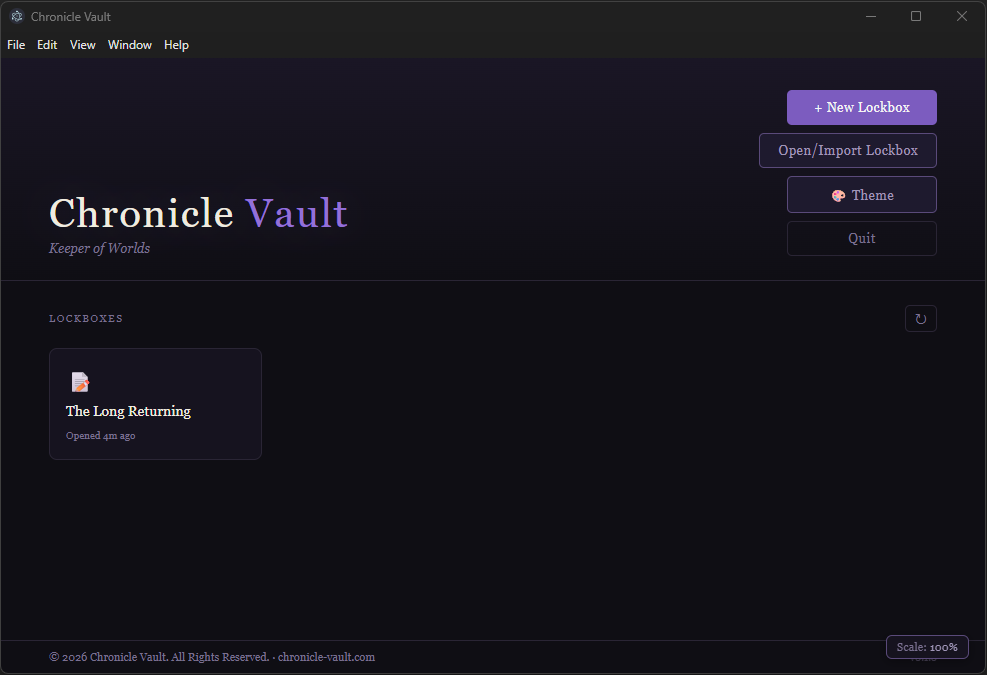
Stop drowning in scattered notes, disconnected documents, and lost details. Chronicle Vault gives you one secure Lockbox to build worlds, track continuity, and write complete stories — all in one place. Built to give your project structure without taking control away from you.
Writing gets harder when your story gets bigger.
If any of that sounds familiar, this is built for you.
Anyone with a project full of people, places, sources, or terms that recur across hundreds of pages, the kind of thing you lose track of in a folder full of documents, lives here. A few of the people who use Chronicle Vault:
A cast and world that hold together
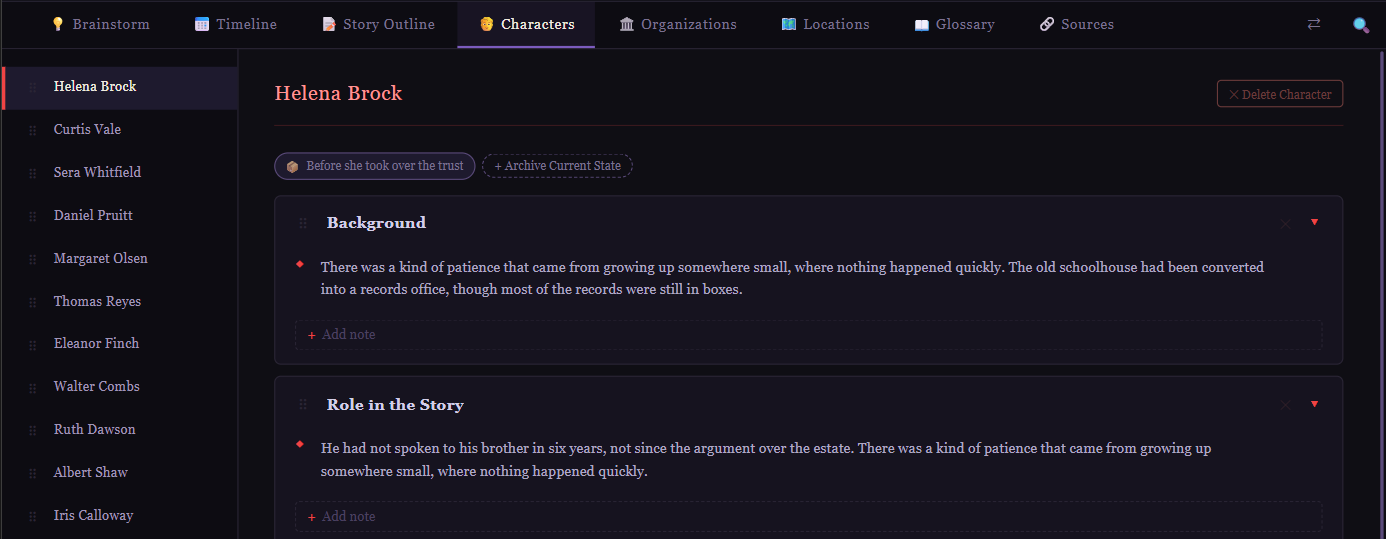
Track characters, locations, and lore across one book or an entire series — or build out a cast and scene breakdown for a script. Archives catch every "before" version when something changes, so no earlier draft of a character is ever truly gone.
A campaign world that remembers itself
Build out the people, places, factions, and history of a setting once, then keep it straight across every session, sourcebook, or campaign that draws on it. Player Characters, NPCs, and Creatures each get their own tab so nothing gets lost in the same pile.
Sources secured, case files organized
Keep interview notes, source details, persons of interest, and evidence together — offline, on your own machine, protected by real encryption. Whether you're protecting a source or protecting your IP, nothing has to touch a server to get organized.
Every source, where you put it
Track sources, recurring terms, and key figures across a thesis, dissertation, or long-form nonfiction project. Link them wherever they come up. Backlinks show you every place you've referenced each one, without maintaining an index by hand.
A life, kept in order
Track the people, places, and dates of a life story on a timeline, with every name linked back to where they appear throughout the manuscript. Primary sources, gaps in the record, and research notes all live in the same file as the writing.
The whole story, pieced together
Real investigations have too many moving parts for a folder of documents. Witnesses, evidence, timelines, and persons of interest all get structured homes — linked to each other and to the manuscript you're building around them.
Built around how a project actually grows.
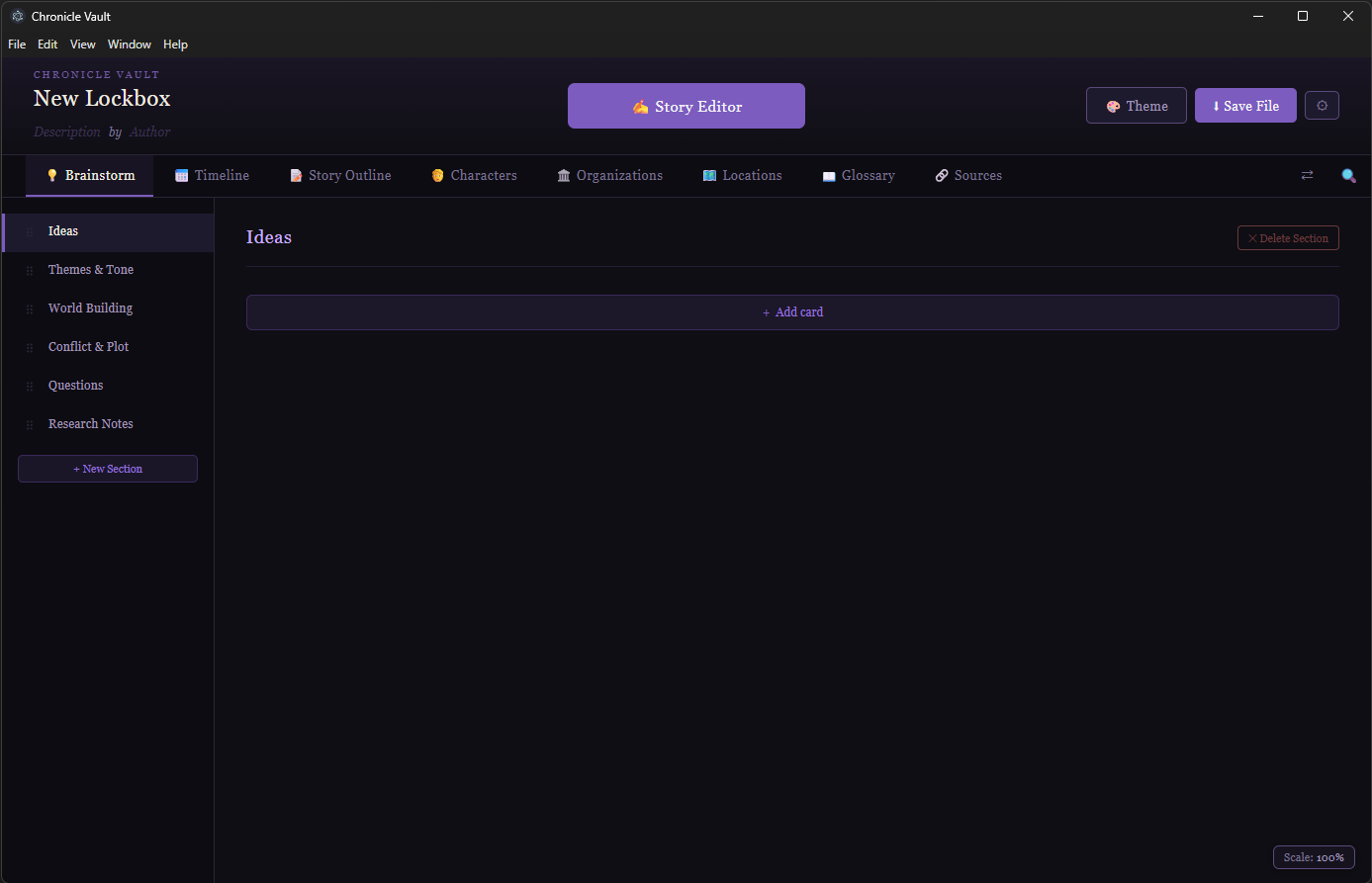
Start loose, get specific, and let everything stay connected — all the way to a finished manuscript.
Everything in one place, all connected.
Characters, Locations, Organizations, Timelines, Sources — each gets a structured home. When something changes, archive the current state and keep writing. Create custom tabs for anything your project needs, from Creatures to Evidence to Factions.
Connect everything you've built.
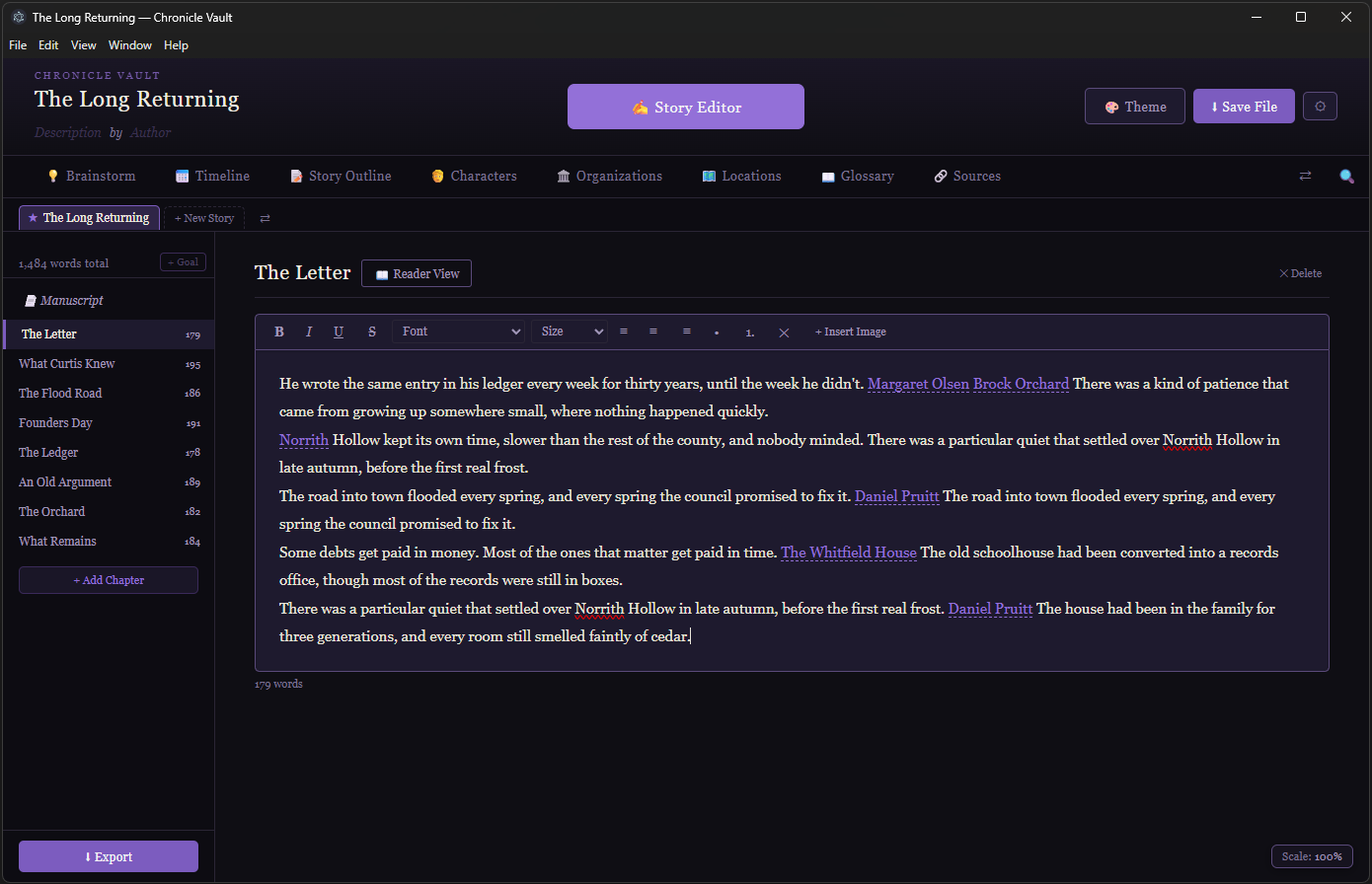
Highlight any word in a note, chapter, or description and link it to the entry it belongs to. Every entry shows its own Backlinks panel — find every place your villain appears, every chapter that touches a location, without digging for it by hand.
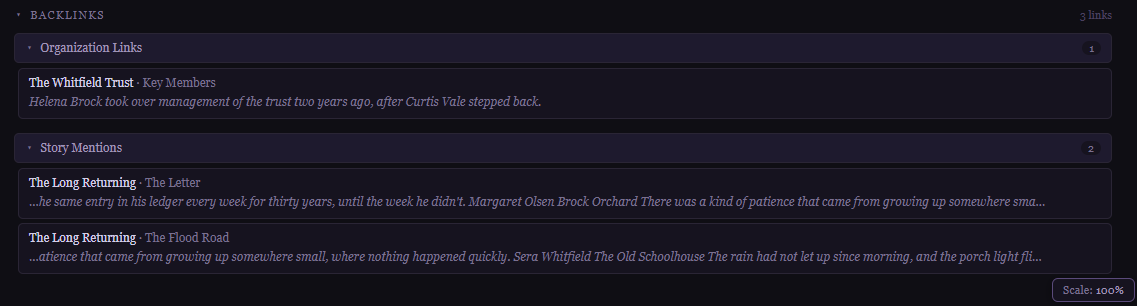
Everything you built feeds the story.
All roads lead here. Every character, place, event, and note you've built is one click away while you write. Add as many books as your series needs — your world carries across all of them.
Offline-first. Locked up properly.
Even well-run cloud services get breached. Chronicle Vault sidesteps the question entirely: your Lockboxes live on your computer, not on a server somewhere, protected by real encryption and automatic backups you control.
For some users that's a preference. For others — journalists protecting sources, investigators keeping case notes, researchers handling sensitive material, writers with unpublished IP — it's a hard requirement. My work stays on my machine. Mine means mine. Chronicle Vault is built around that belief.
Real encryption, not a gimmick
Lock a Lockbox with a PIN and it's protected with AES-256 encryption, the same standard used by password managers and financial software. Without the PIN, the file is unreadable.
Automatic local backups
Chronicle Vault quietly keeps recent backups of every project as you work. If a file ever gets corrupted or you need to undo something drastic, an earlier version is already sitting there waiting.
Nothing leaves your computer
There's no cloud sync and no account required to write. Your Lockboxes live on your machine, in a format only you control.
Not ready to commit? Try it for free.
Install the real app and use it free for 7 days, no payment required. See how it fits your project before you decide.
Why writers choose Chronicle Vault.
| Chronicle Vault | Most Writing Apps | |
|---|---|---|
| Pricing | ✓Buy once | ✕Monthly subscription |
| Where your files live | ✓Fully offline | ✕Cloud dependent |
| Ownership | ✓You own your files | ✕Locked into a platform |
| Scope | ✓Worldbuilding and writing together | ✕Usually only one or the other |
| Who controls the workflow | ✓You do — structure without lock-in | ✕The app does |
Buy it once. It's yours.
No subscription, no recurring fee, no "your notes are held hostage if you stop paying."
Secure checkout and license management via Lemon Squeezy. Windows · macOS coming soon.